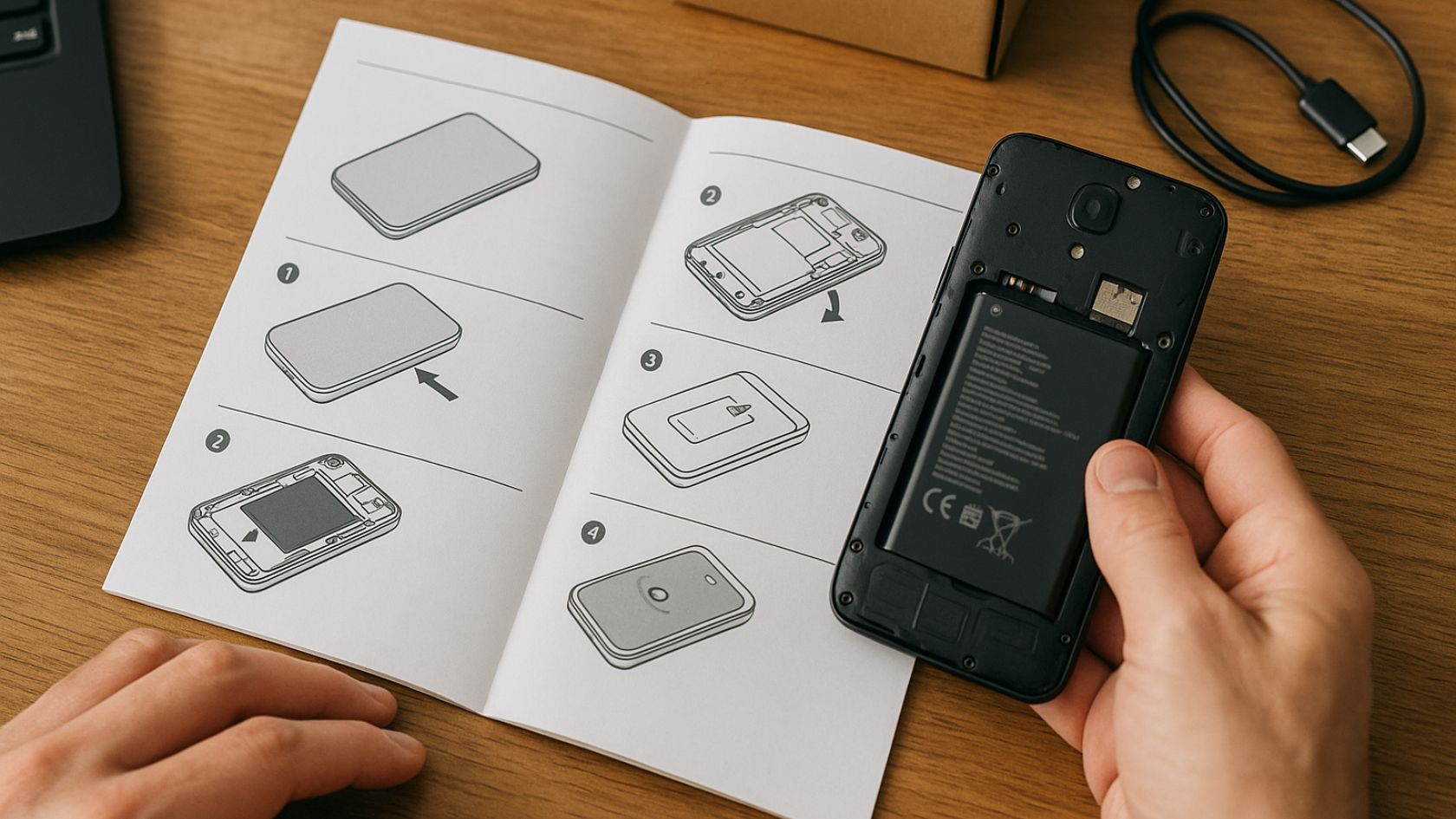
How to Create Product Guides That Customers Actually Use
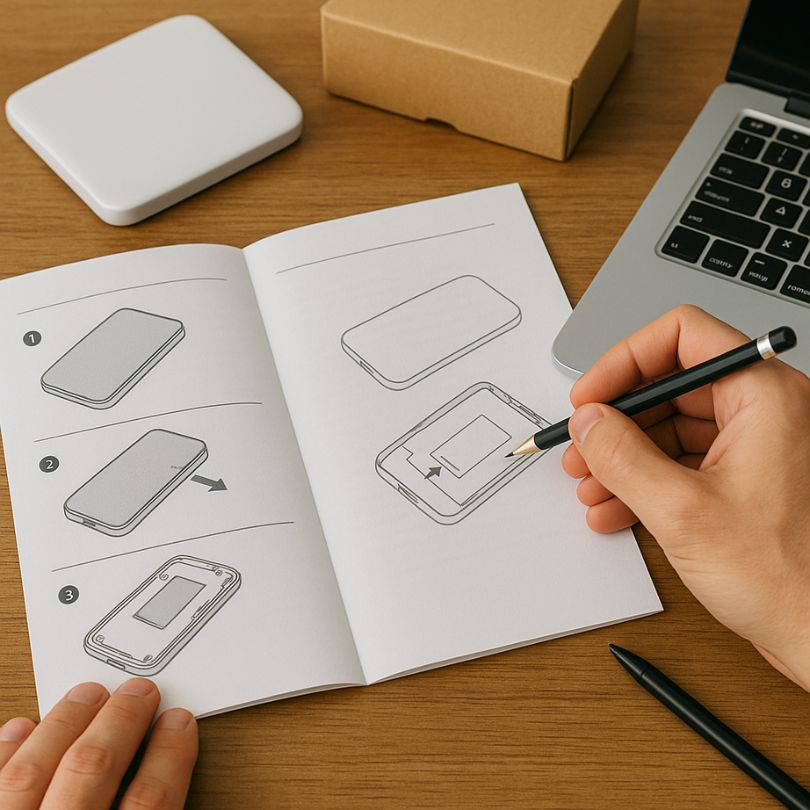
Knowing how to create product guides is essential for helping customers succeed with your product, reducing support tickets, and building long-term loyalty. A well-crafted guide walks users through key tasks in a clear, confident way so they can experience value quickly, instead of feeling lost or overwhelmed after they buy.
When you treat your documentation as an educational asset rather than an afterthought, every product guide becomes a powerful trust builder. Much like a detailed step-by-step guide, the best product guides break big goals into small, achievable actions and give readers the context they need at each stage. In this article, you will learn a repeatable process you can use to plan, write, and optimize guides that work for new users, seasoned customers, and your internal teams.
What Is a Product Guide?
A product guide is a structured piece of content that explains how to use a product to achieve specific outcomes. It goes beyond a simple feature list and focuses on the real-world jobs your customers are trying to get done. Depending on your audience, a product guide can take the form of a getting-started manual, a task-based tutorial, an in-app walkthrough, or a searchable help-center article, but the goal is always the same: show people exactly what to do, in what order, and why it matters.
Why Great Product Guides Matter
High-quality product guides directly influence activation, retention, and revenue. When new users can quickly understand your interface and complete their first meaningful action, they are far more likely to stick around. Clear instructions also empower power users to discover advanced features, which boosts product adoption and expansion revenue. The same principles used to plan consistent, high-performing content in channels like social media—for instance, in-depth resources on scheduling and maintaining consistent high-ROI content—apply to documentation: you need structure, clarity, and continuous improvement.
Step 1: Define the Goal and Audience
Before you write a single word, decide exactly who the guide is for and what success looks like when they finish it. A product guide for first-time users should feel different from an advanced workflow guide for experienced customers or internal teams. Ask yourself questions such as: What prior knowledge can I assume? What is the primary task this guide will help someone complete? What objections, risks, or common mistakes can I address proactively? The clearer your answers, the easier it becomes to choose the right level of detail and tone.
- Goal: Define the single main outcome the guide supports (for example, “publish your first campaign”).
- Audience: Describe their role, experience level, and context (for example, “new marketers with limited tech background”).
- Constraints: Note time limits, device types, or compliance considerations that might shape how you present steps.
Step 2: Map the Customer Journey and Use Cases
Once you know the goal and audience, map the journey they will take from “no progress” to “goal achieved.” Start with a simple list of milestones: signing up, configuring basic settings, performing a core action, and verifying that it worked. For each milestone, capture what the user sees on screen, what decisions they must make, and what questions they typically ask. This approach helps you avoid gaps, because you are writing to support real behaviors rather than assuming people will instantly know what to do.
- Identify the starting point: Do users arrive from an email, an ad, or directly inside your app?
- Write down the checkpoints: Screens, forms, or choices they must go through to reach the outcome.
- Call out risk moments: Places where users frequently stall, make errors, or abandon the process.
Step 3: Plan the Structure and Format
The structure of your product guide should mirror the journey you just mapped. Break the guide into clear sections and subsections so readers can quickly scan and jump to what they need. Use headings, numbered lists, and bullet points to separate explanation from action. Decide whether this guide is best delivered as a long-form help article, an on-screen walkthrough, a video with timestamps, or a combination of formats. Remember that many users skim, so visual hierarchy is just as important as the words you choose.
- Introduction: Explain what the guide covers and who it is for.
- Prerequisites: List any accounts, permissions, or data needed before users begin.
- Numbered steps: Provide a clear sequence of actions from start to finish.
- Troubleshooting: Include common errors and how to fix them.
- Next steps: Suggest related guides or advanced workflows.
Step 4: Write Clear, Actionable Instructions
Now it is time to turn your outline into concrete instructions. Use short, direct sentences that start with a verb, such as “Click,” “Select,” or “Type.” Avoid jargon unless your audience expects it, and always define unfamiliar terms the first time you use them. For each step, describe not only what to do but also what the user should see when they complete it successfully. If something might take longer than expected, set that expectation up front so readers do not think something has gone wrong.
- Use consistent labels that match your interface exactly (button names, menu labels, and field names).
- Limit each step to one main action to reduce cognitive load.
- Explain why a step matters when it affects long-term results, security, or data quality.
- Include short notes or tips for common edge cases instead of burying them in dense paragraphs.
Step 5: Enrich the Guide With Visuals, Examples, and Tips
People learn in different ways, so the strongest product guides combine text with visuals and real examples. Screenshots, GIFs, and short videos can clarify complex sequences that would otherwise require several paragraphs to explain. Label important interface elements with callouts so users can instantly see where to focus their attention. Wherever possible, include realistic sample data—such as example campaigns, customers, or transactions—so readers can copy patterns directly into their own workflows.
Step 6: Optimize for SEO and Discoverability
To maximize the impact of your work, make sure each product guide can be easily found in search engines and within your own help center. Incorporate the focus keyword “how to create product guides” naturally in the title, introduction, and at least one subheading, but avoid stuffing it into every sentence. Add related keywords that reflect user intent, such as “product documentation,” “user onboarding,” or “step-by-step product tutorial.” Use descriptive URLs, write concise meta descriptions, and link between related guides so readers can move smoothly from one task to the next.
Step 7: Test, Update, and Measure Success
No matter how carefully you plan, your first version is only a starting point. Share drafts with customer support, product managers, and a few real users to gather feedback before publishing widely. Ask them to follow the guide while you observe where they hesitate, scroll back, or ask clarifying questions. After publishing, monitor metrics such as search volume, time on page, completion rates for the guided task, and any changes in support ticket volume. Use these insights to refine wording, add missing steps, or create new guides that address uncovered needs.
Conclusion: Turn Product Guides Into a Growth Asset
When you understand how to create product guides that are goal-driven, user-friendly, and continually improved, documentation stops being a chore and becomes a competitive advantage. By breaking down complex workflows, offering clear instructions, and learning from user behavior, you help customers achieve meaningful wins faster—and happier customers stay longer, buy more, and recommend your product to others. You can even extend the impact of your guides by pairing them with analytics or native advertising tools that reveal how people discover and engage with your content. Invest the time to build a strong library of guides now, and you will see the benefits across onboarding, support, and revenue for years to come.
